Workspace Settings
Each workspace has its own settings. Open the workspace, click ⋮ (More actions) in the top-right corner and choose Workspace settings. Click Back to workspace to return to the canvas.
The settings are grouped into General, Approval Policy, Platform and Integrations.
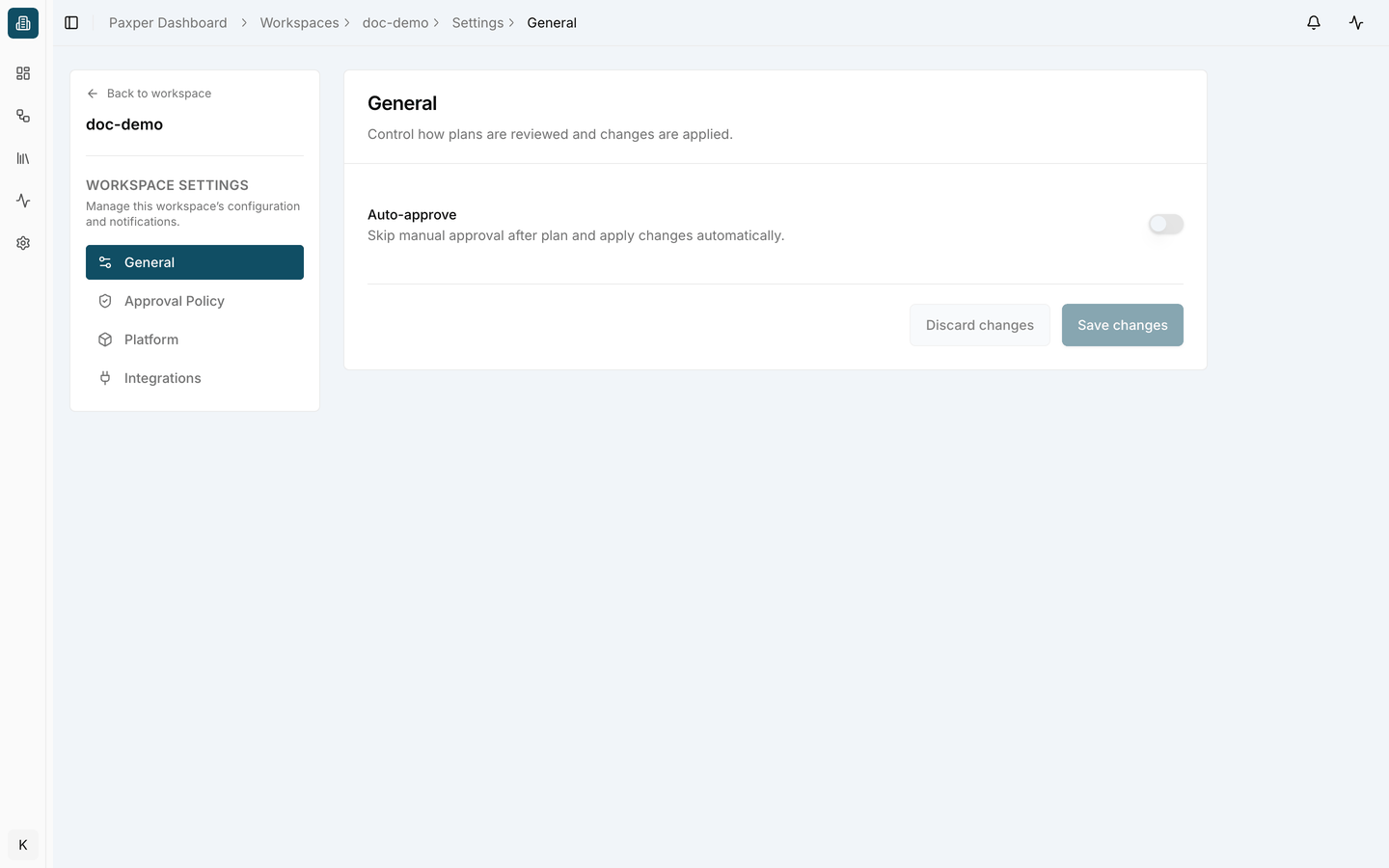
General
Control how plans are reviewed and changes are applied.
- Auto-approve – skip manual approval after the plan and apply changes automatically. When it is off, every apply and destroy waits for someone to approve it.
Click Save changes to keep your changes, or Discard changes to undo them.
To decide who may approve changes, use Approval Policy. See Approvals.
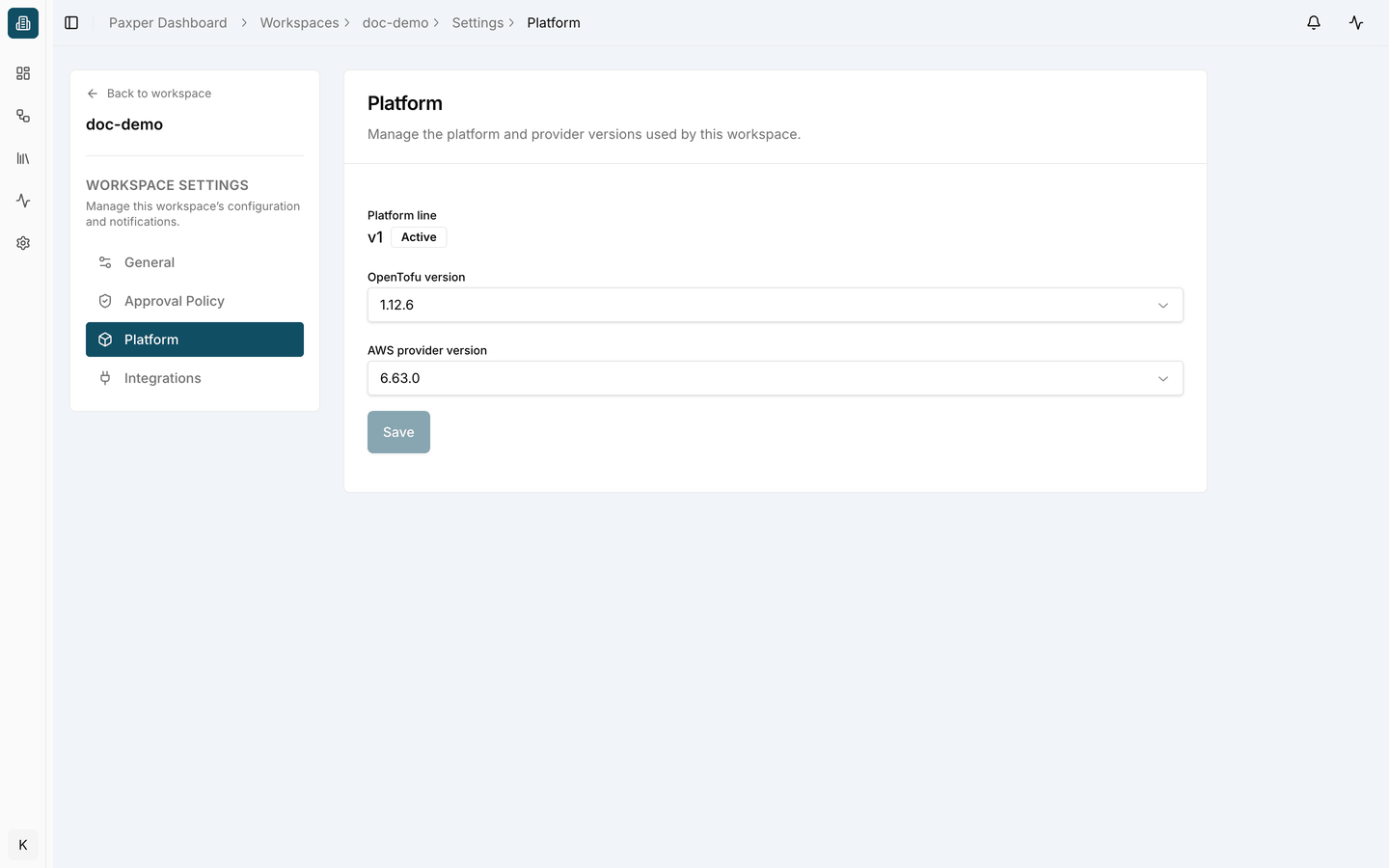
Platform
Manage the platform and provider versions used by this workspace.
- Platform line – the Paxper platform version the workspace runs on, for example v1 · Active.
- OpenTofu version – the OpenTofu version used for plans and applies.
- AWS provider version – the version of the AWS provider.
Choose a version from the list and click Save.
Changing the OpenTofu or provider version affects every future plan and apply in the workspace. Run a plan after changing versions to check that nothing unexpected changes.
Last updated on