Activity and Notifications
Activity Feed
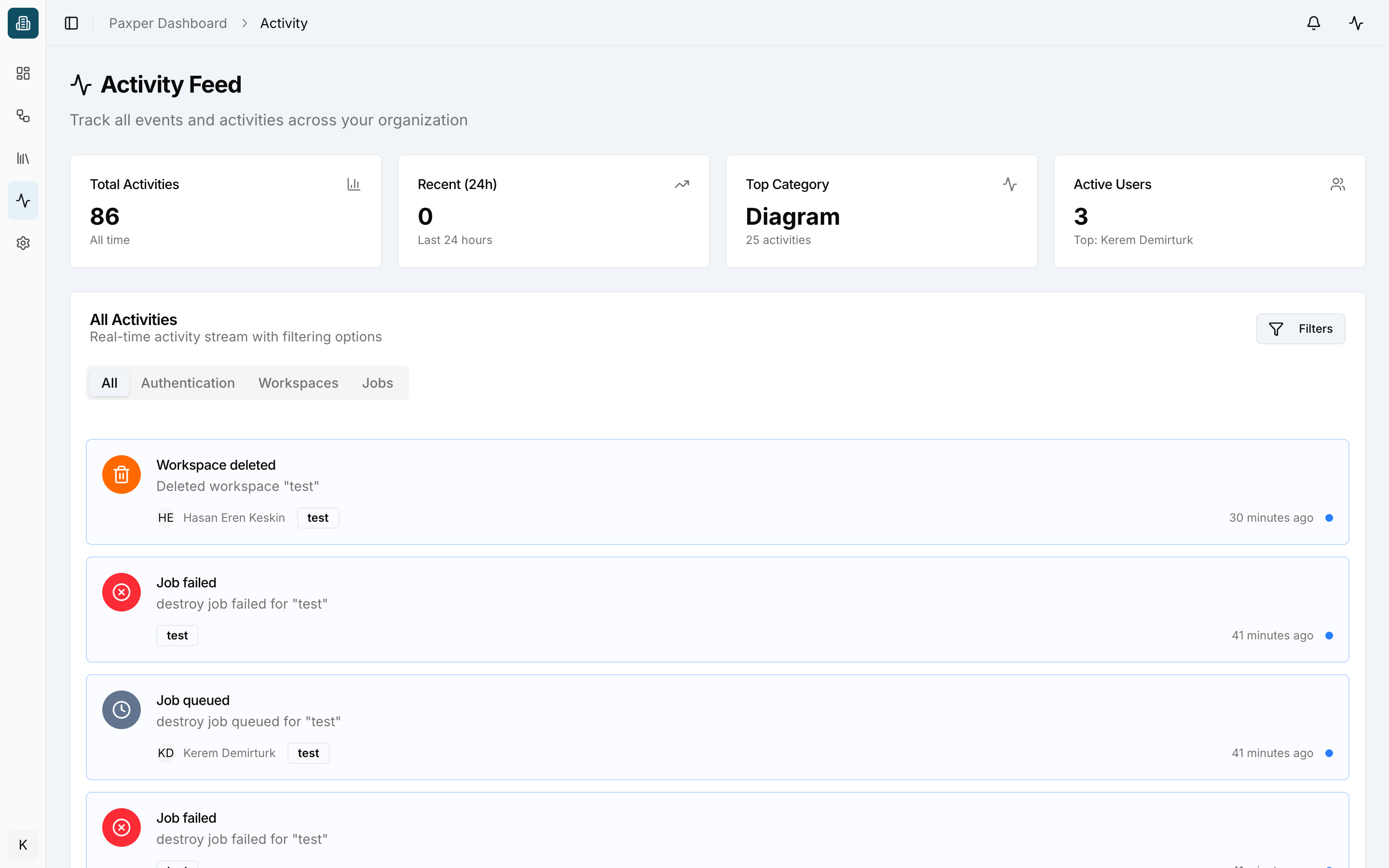
Open Activity Feed in the sidebar to see every event across your organization: workspaces created or deleted, jobs queued, failed or completed, credentials created, invitations sent and accepted, and more.
At the top you see the total number of activities, activities in the last 24 hours, the top category and the number of active users. Filter the stream with the All / Authentication / Workspaces / Jobs tabs, or click Filters for more options.
Notifications
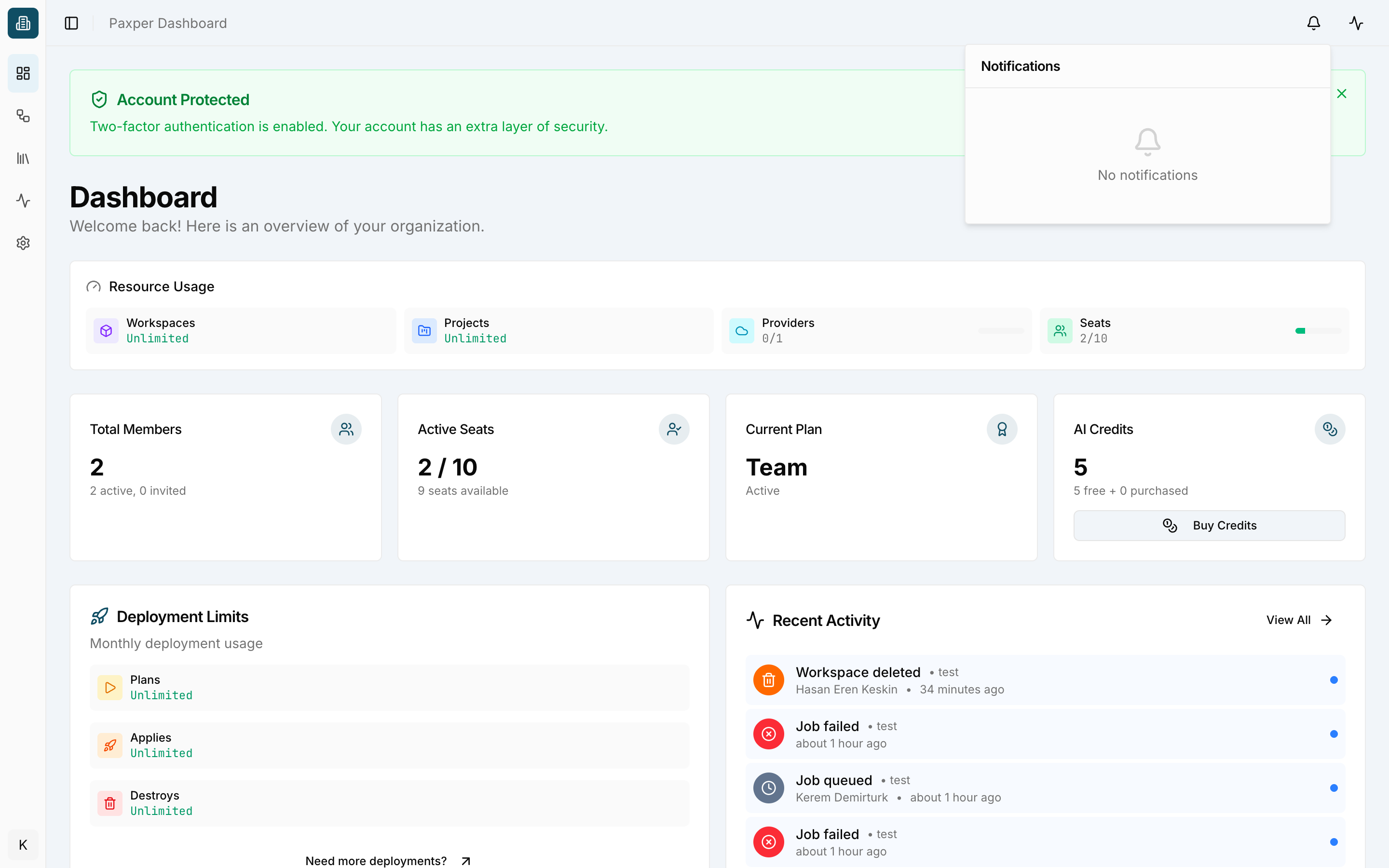
Click the bell icon in the top bar to open your notifications.
Activity panel
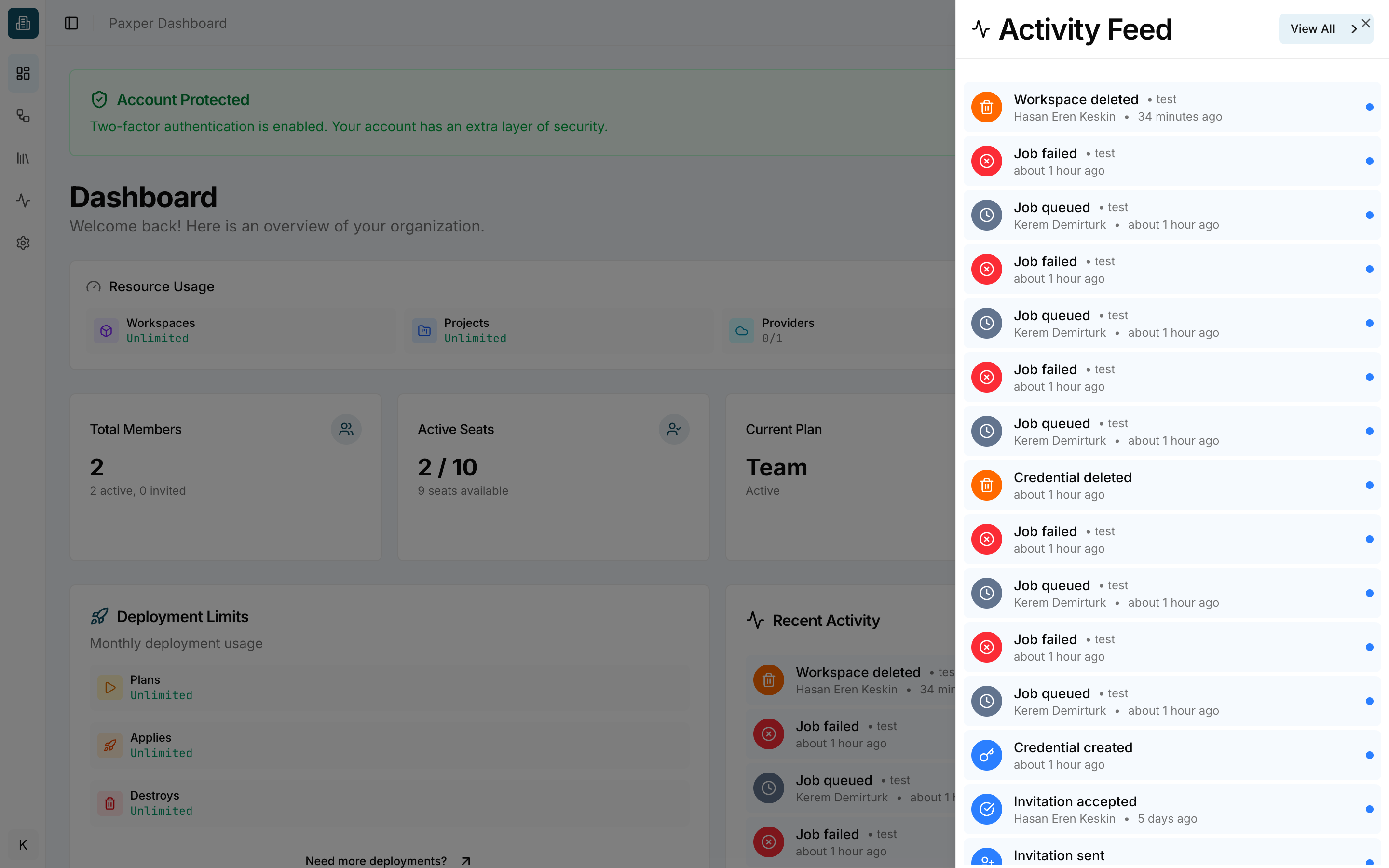
Click the pulse icon in the top bar to open the activity panel from any page. A red badge shows the number of new events. Click View All to open the full Activity Feed.
Last updated on