Why We Built Paxper: Closing the Gap Between Architecture Diagrams and Real Infrastructure
Notes that describe an environment that no longer exists, setups copied from the last project, a day spent on one firewall rule. Why we built Paxper, and what it still doesn't do.
We built Paxper because we kept running into the same infrastructure problems, on our own teams and on almost every consulting project we worked on. Eventually, we got tired of solving them over and over again.
The first one sounds simple. We never had a clear picture of our AWS accounts. Which account has what, which VPC a database sits in, whether the instance called test-2 can be deleted or someone still needs it. We kept notes, drew diagrams, wrote wiki pages. A few months later the notes described an environment that no longer existed, and the only way to know what was really there was to click through the console, region by region.
In consulting it got worse, because you build similar environments for different clients over and over. The usual way to do that is to take the last project’s repository, copy it, and start renaming things. It works, but it’s slow, and it was bad for our juniors. Someone who spends their first months copying a working setup learns where things go, not why they’re there.
Then there were small changes. Say a new service needs to reach the database on port 5432. Someone opens a ticket. Someone else finds the right repository and the right security group, writes the change and opens a pull request. The reviewer is busy until the afternoon. After the approval the pipeline runs, and if it fails on something unrelated, the loop starts again. None of these steps is wrong, and we didn’t want to skip any of them. But it’s one inbound rule, and it could easily take a day.
And then cost. Before any architecture change, someone had to work out what it would cost: open the pricing page for each service, put the numbers in a spreadsheet, make a guess about data transfer. That took hours, sometimes days, and the result was out of date as soon as someone suggested a different instance type.
One diagram
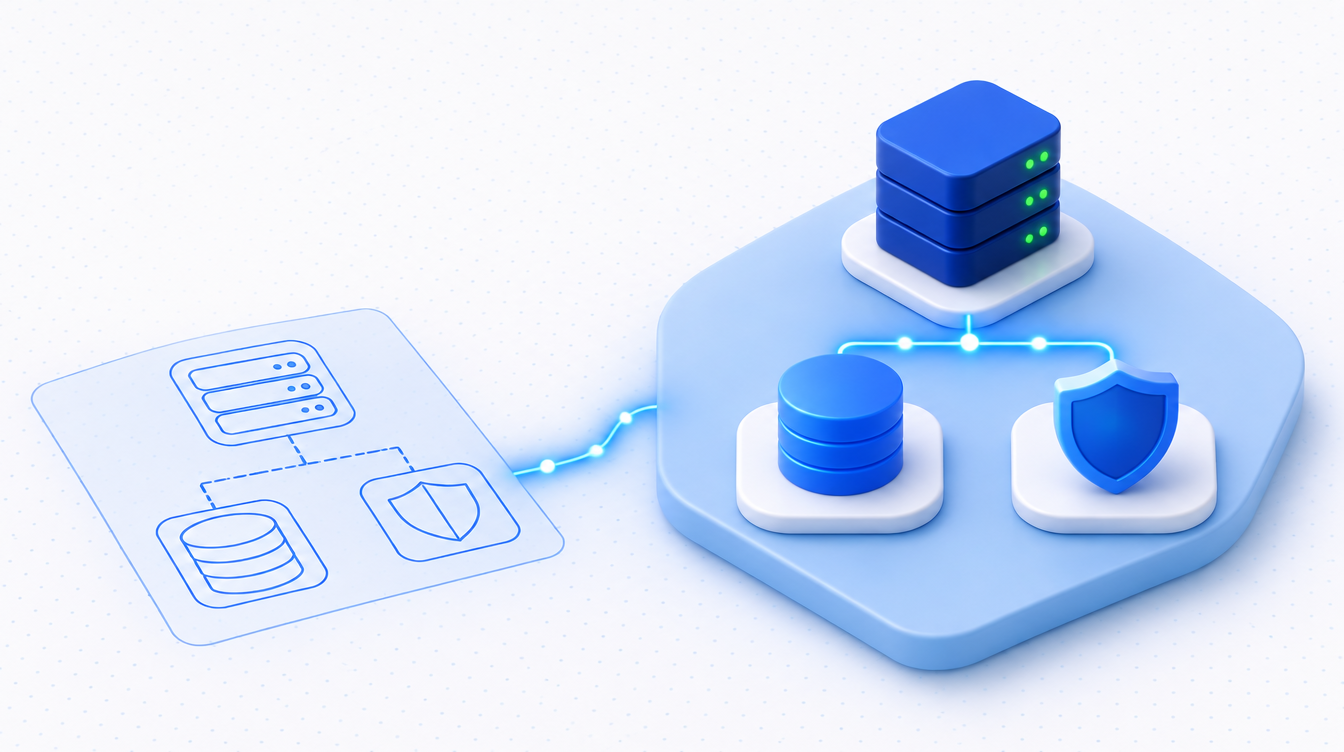
What we wanted was for one diagram to hold all of this. You look at it and see the infrastructure you’ve built. You add a component and see what it will cost. Approvals, deployments and alerts about what’s broken happen in the same place instead of in four different tools.
That’s what Paxper is. Here’s the port example again, the way it works now. You open the workspace, click the security group on the diagram, add the inbound rule and apply. The security group is already deployed, so if your workspace has an Approval Policy, the change waits until a teammate approves it. Once it’s applied, the team gets a message in Slack, and the change is recorded in the History tab, where you can roll it back if it breaks something.
When you’re designing something new, the cost estimate on the Overview screen changes as you add resources, so you know what it will cost before anything is created. If someone changes a resource directly in the AWS console, Paxper detects the drift and shows it on the Overview screen. You can spot the difference before it turns into a problem.
For the consulting problem, we now start from templates instead of old repositories. A junior joining the project can open a template and see which resources are involved, how they connect and how each one is configured.
What it doesn’t do yet
Paxper only works with AWS right now, and not with every AWS service. On the database side, for example, we only support relational databases. The bigger gap is existing infrastructure: today the diagram shows what you’ve built with Paxper, and bringing in resources you already have in AWS is what we’re working on next. Until that’s done, for an account that’s been running for years, Paxper covers the new parts, not the whole picture.
If you’ve run into the same problems, or ones we haven’t, tell us through our contact page or in our Slack community.