Paxper Is Live: What's in the First Release
A walkthrough of Paxper's first release: supported AWS services, monitoring and alarms, cost estimates, drift detection, history and rollback, workspace settings, and templates.
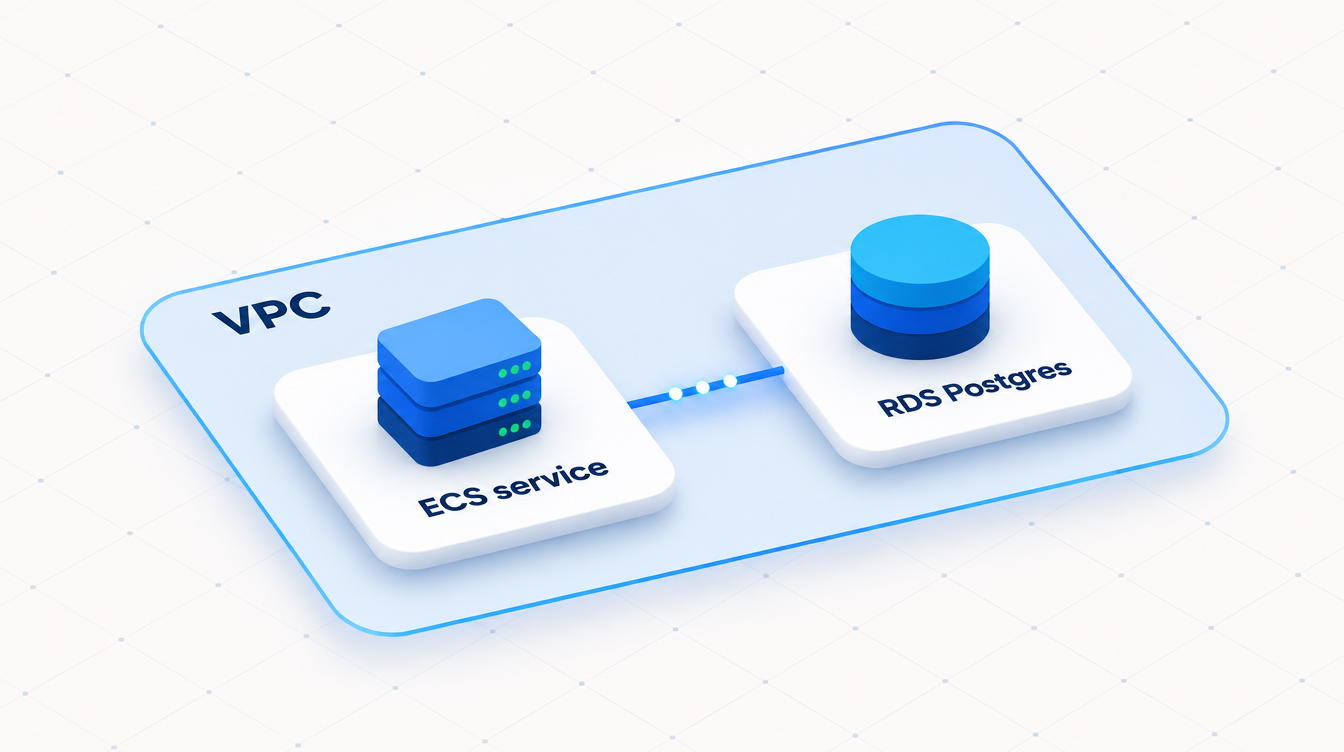
Paxper is a platform for designing your AWS infrastructure on a diagram and deploying it from there. As you may know, we went live on November 8. In this post we want to walk through what’s included in the first release.
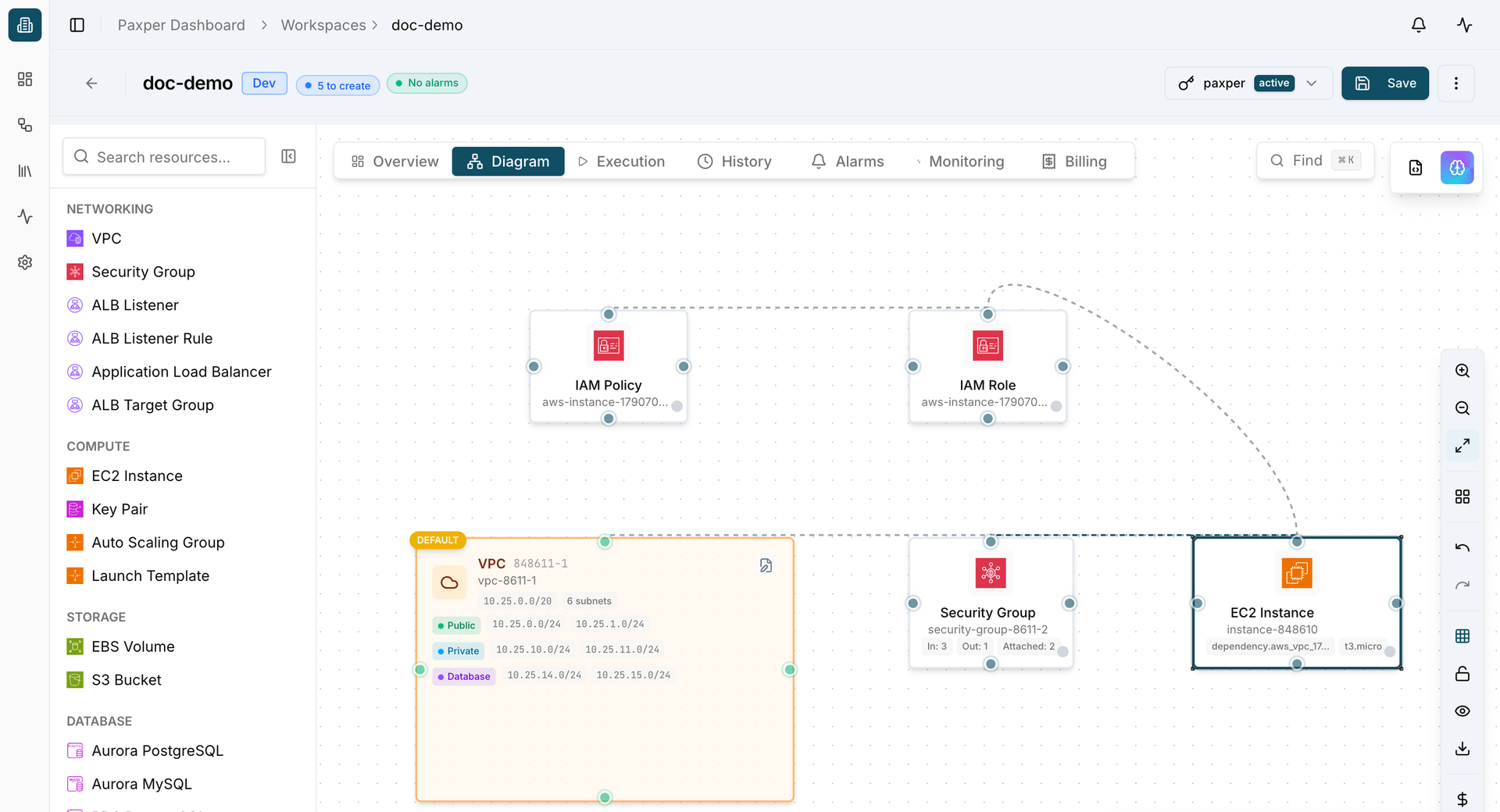
On the workspace page
Monitoring and alarms
You can see metrics and logs for every supported service in the Monitoring tab on the workspace page.
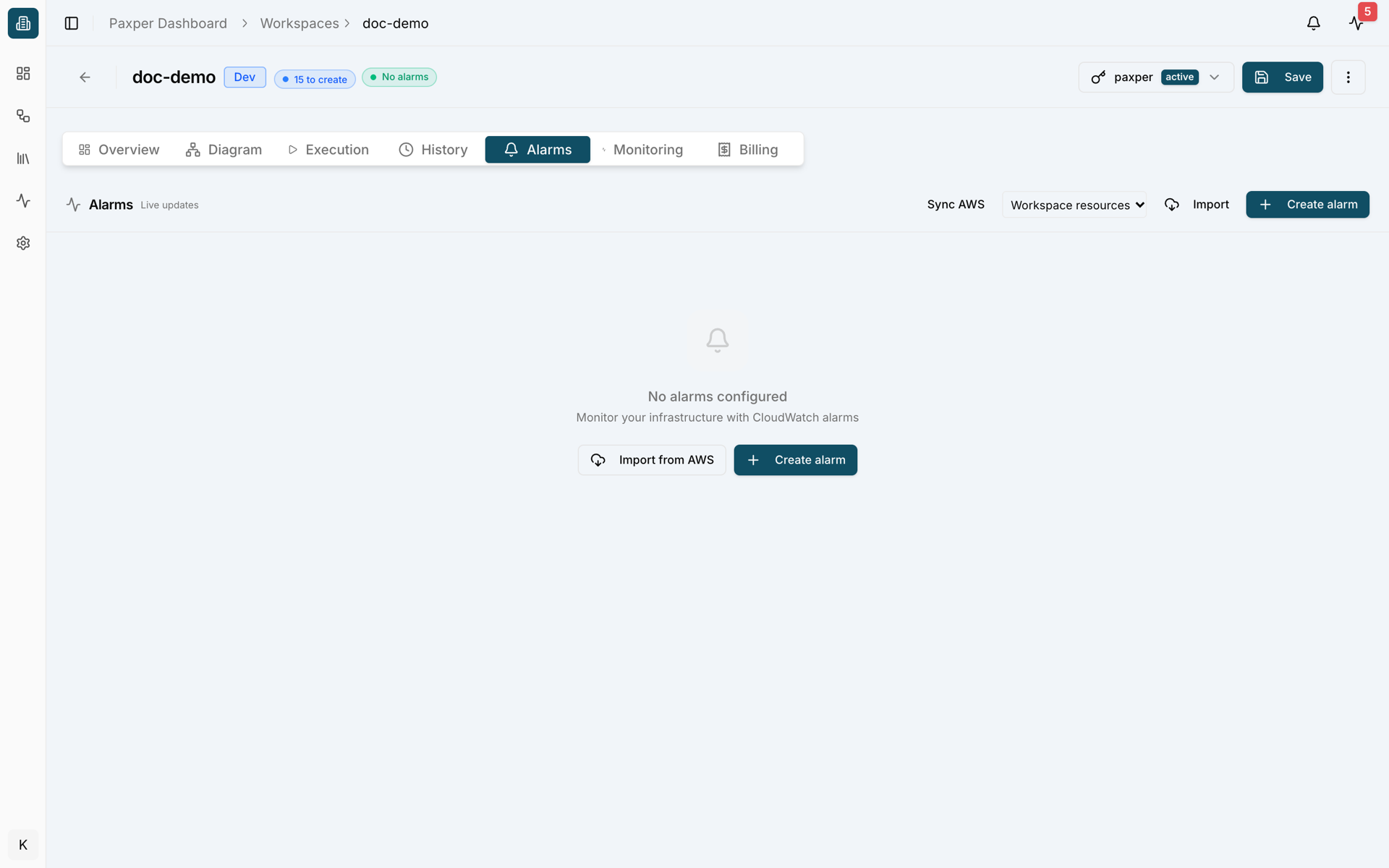
From the Alarms section on the same page, you can create alarms for your services. You can also import alarms you already have in AWS. Imported alarms aren’t added to the diagram as resources; they’re listed under Alarms.
You can get notified by email, Slack, or another integration. This isn’t limited to resources: you also get apply, fail, and destroy notifications for every job that runs in your workspace.
History and rollback
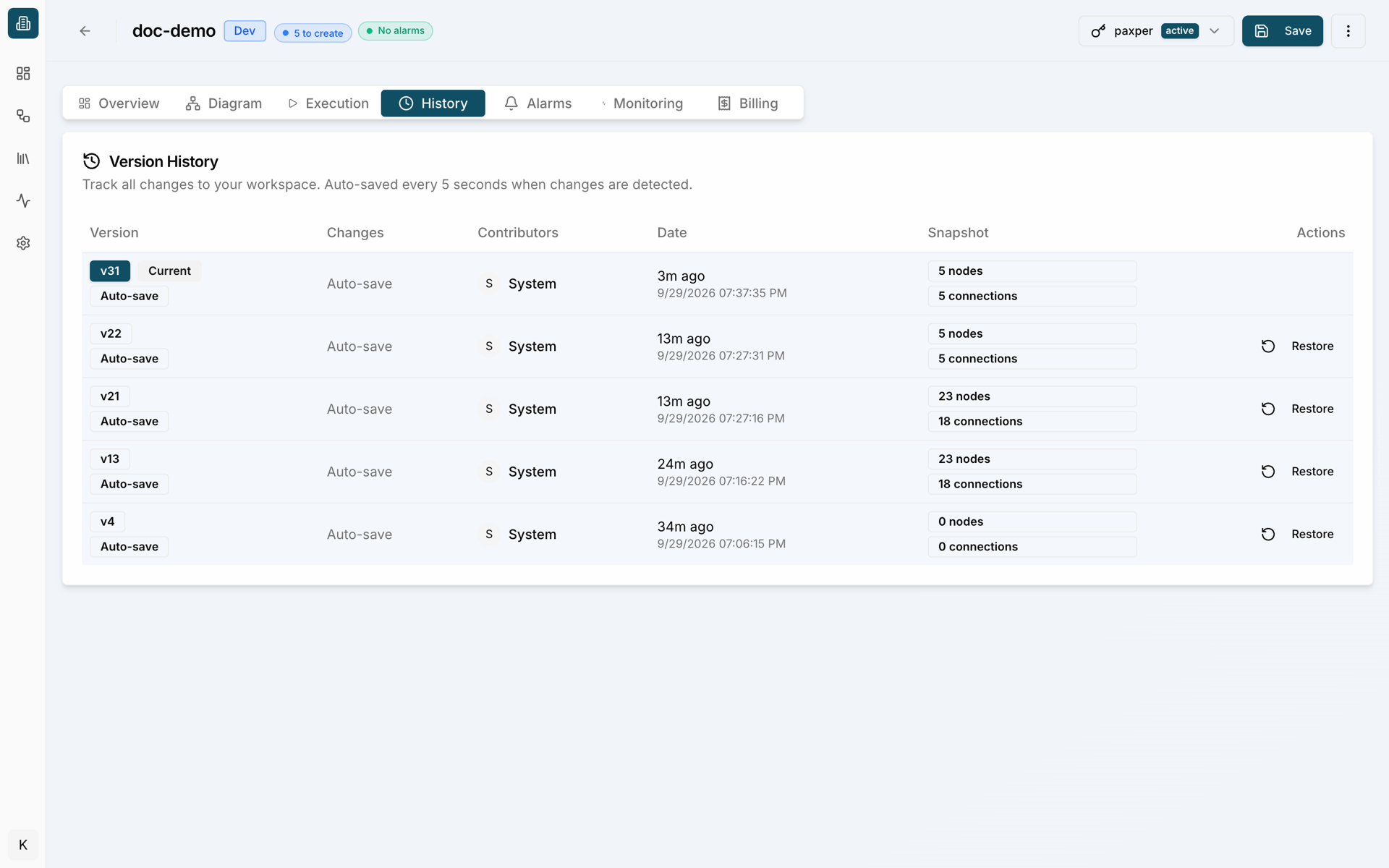
The History tab shows the history of every change on the screen, and the rollback mechanism lets you return to any previous state.
On the Overview screen
Cost
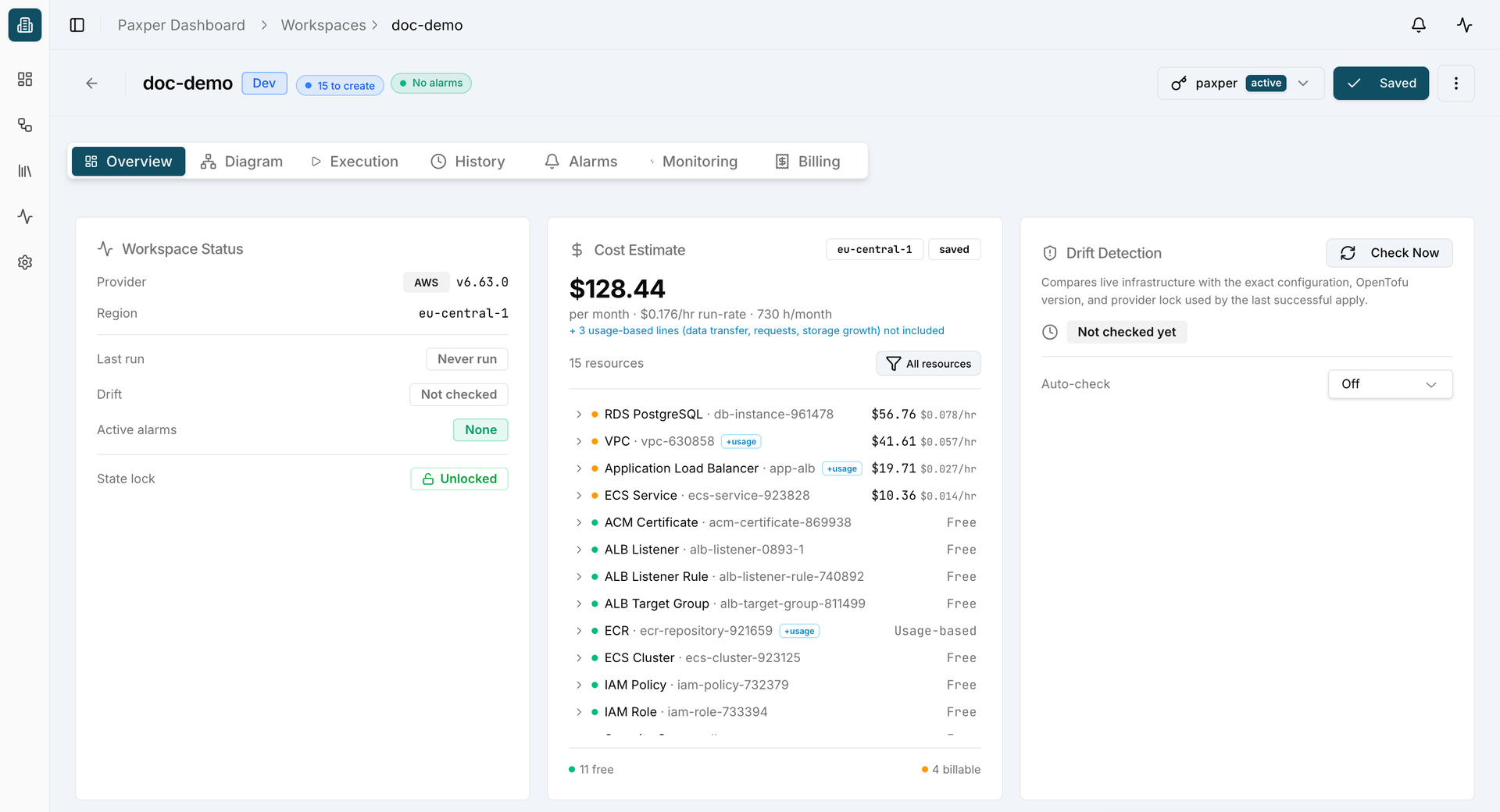
On the Overview screen, you can see a Cost Estimate for your workspace before you apply anything. Once you’ve applied, you can track your actual costs in the Billing section.
Drift detection
The Overview screen also shows whether any of the resources you’ve created in your workspace have drifted.
Workspace settings
Click the three dots in the top right corner and you’ll see a few options.
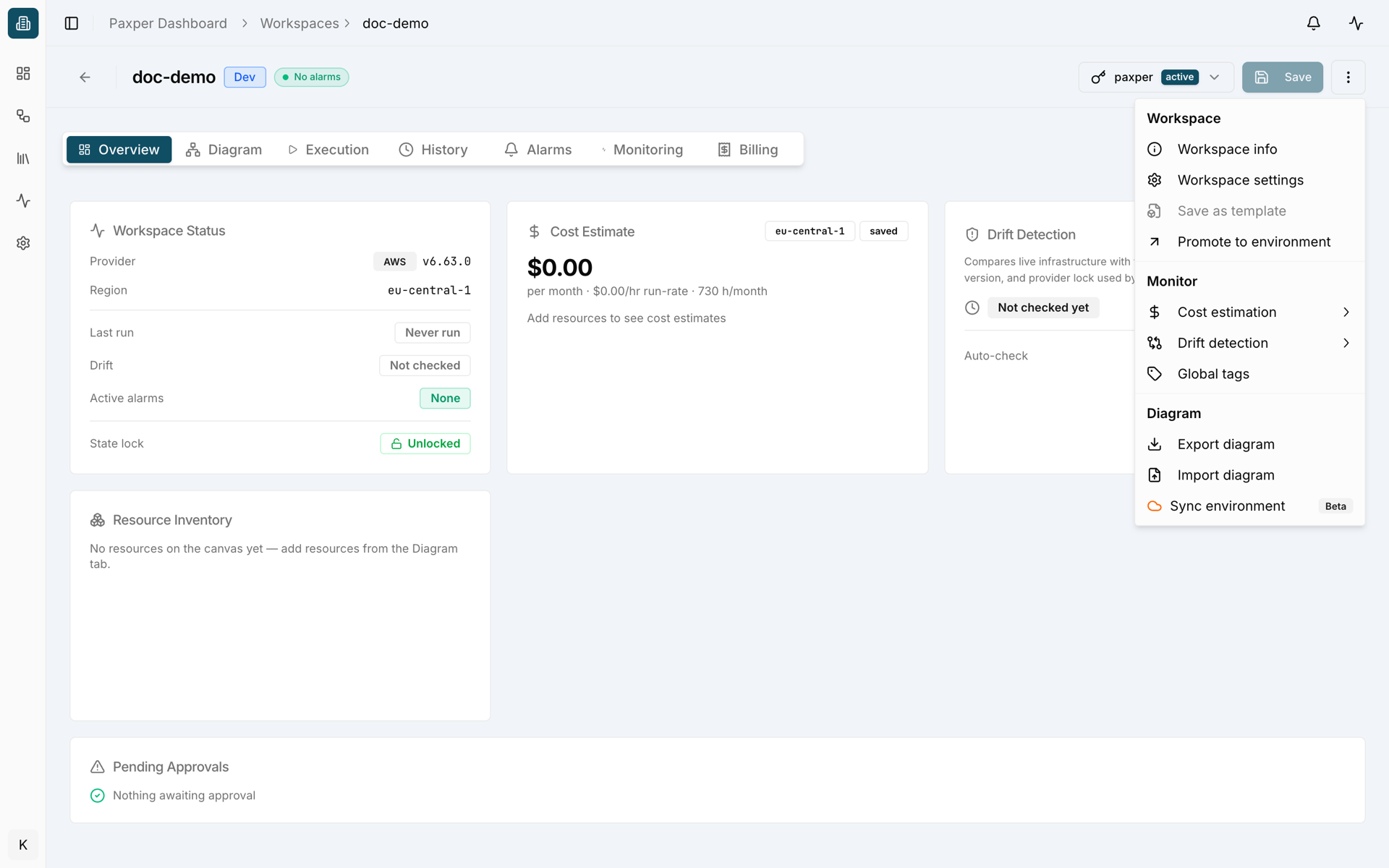
Under Workspace Info, you can see the provider, region, and environment you’re using as your deployment target. The Platform section there shows the versions you’re using.
The General tab under Workspace Settings has two important options:
- Auto-include dependencies: If your diagram has resources that depend on each other, this lets all of them be applied in one go.
- Auto-approve: When enabled, every resource you apply from the diagram is applied without asking you for confirmation.
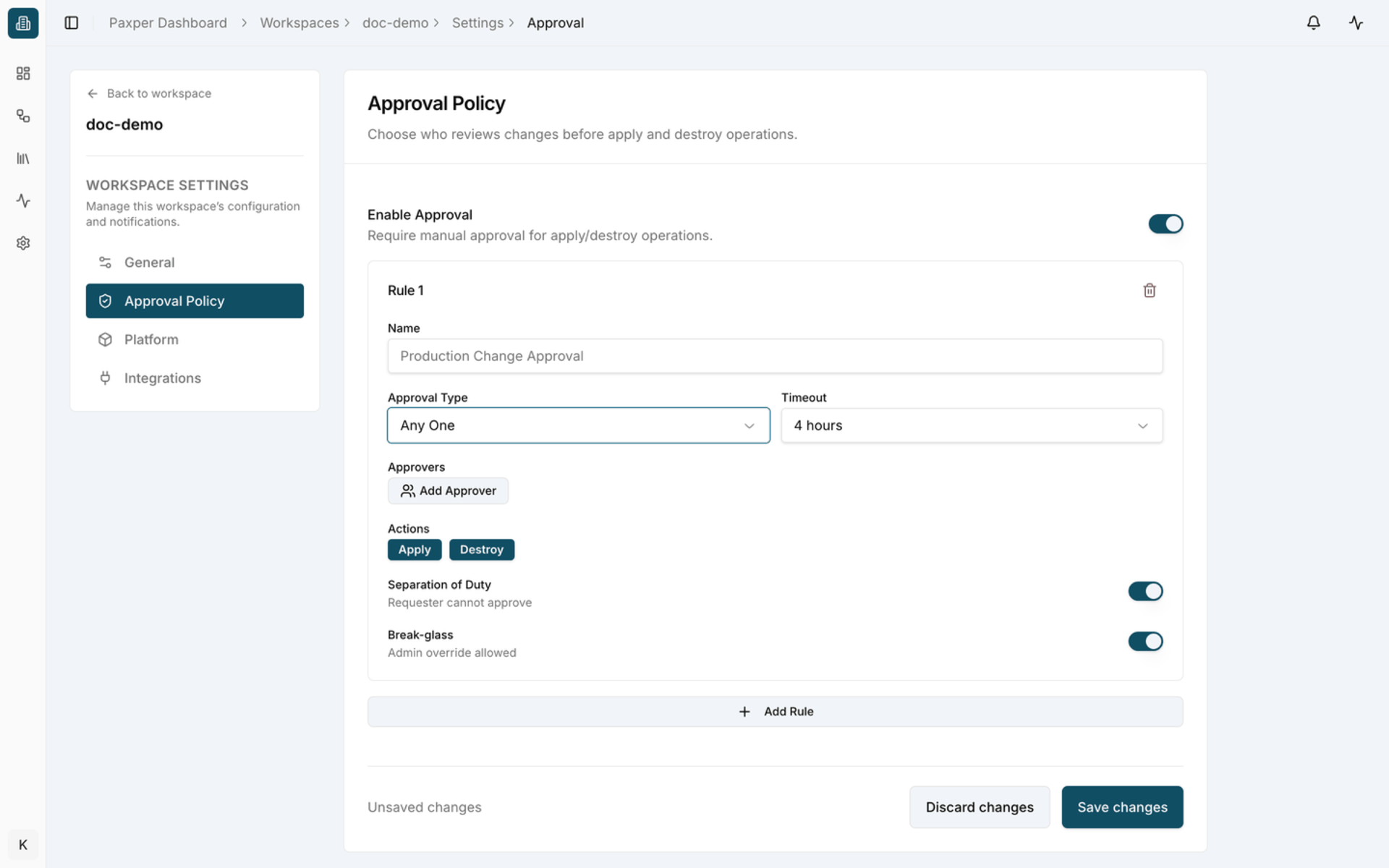
Also under Workspace Settings is Approval Policy. When you enable it, you define a set of rules. With these rules in place, changes to an already-applied resource, or any deletion in your environment, have to be approved by a person first.
The Platform tab under Workspace Settings is where you change the versions you’re using.
Integrations currently has three options: email, Slack, and Microsoft Teams.
Global Tags works like this: every tag you add here is applied by default to all resources in your workspace, on top of any tags you’ve already defined in the resource config.
You don’t have to start from scratch
If you’d rather not start from a blank canvas, pick a template from the Templates section and click “Use Template” to get started. Templates marked Official are ones we’ve tested and validated ourselves.
Supported AWS services
Compute: We support Amazon EC2 and Amazon EC2 Auto Scaling, along with Launch Templates so you can configure your setups in more detail. For containers we have Amazon ECS and Amazon ECR, for serverless there’s AWS Fargate, and from Elastic Load Balancing we added the Application Load Balancer. Our goal here was to cover most of AWS’s core compute services so you can set up your environment without friction.
Database: We support Amazon RDS for MySQL, SQL Server, PostgreSQL, and MariaDB, as well as Amazon Aurora (MySQL- and PostgreSQL-compatible). For now, we’re focused on relational databases.
Networking & content delivery: We support Amazon VPC, Amazon CloudFront, and CloudFront Functions, so you can already build out your network layer at a basic level.
Security, identity & compliance: For identity and access management, we have IAM Policies and IAM Roles. For data protection, there’s AWS Certificate Manager and AWS Secrets Manager.
Storage: We currently support Amazon EBS and Amazon S3.
What’s next
Support for many new resources is on the way. If there’s a service or feature you’d like to see, let us know through our contact page or come say hi in our Slack community.